-
Introduction
-
Core concepts
-
Digging deeper
-
Frequently asked questions
-
Legal
Place order
Clicking the shopping cart icon in the upper-right corner opens the shopping cart. The view can be switched between "grid" and "list" view, similar to the folder/file view.
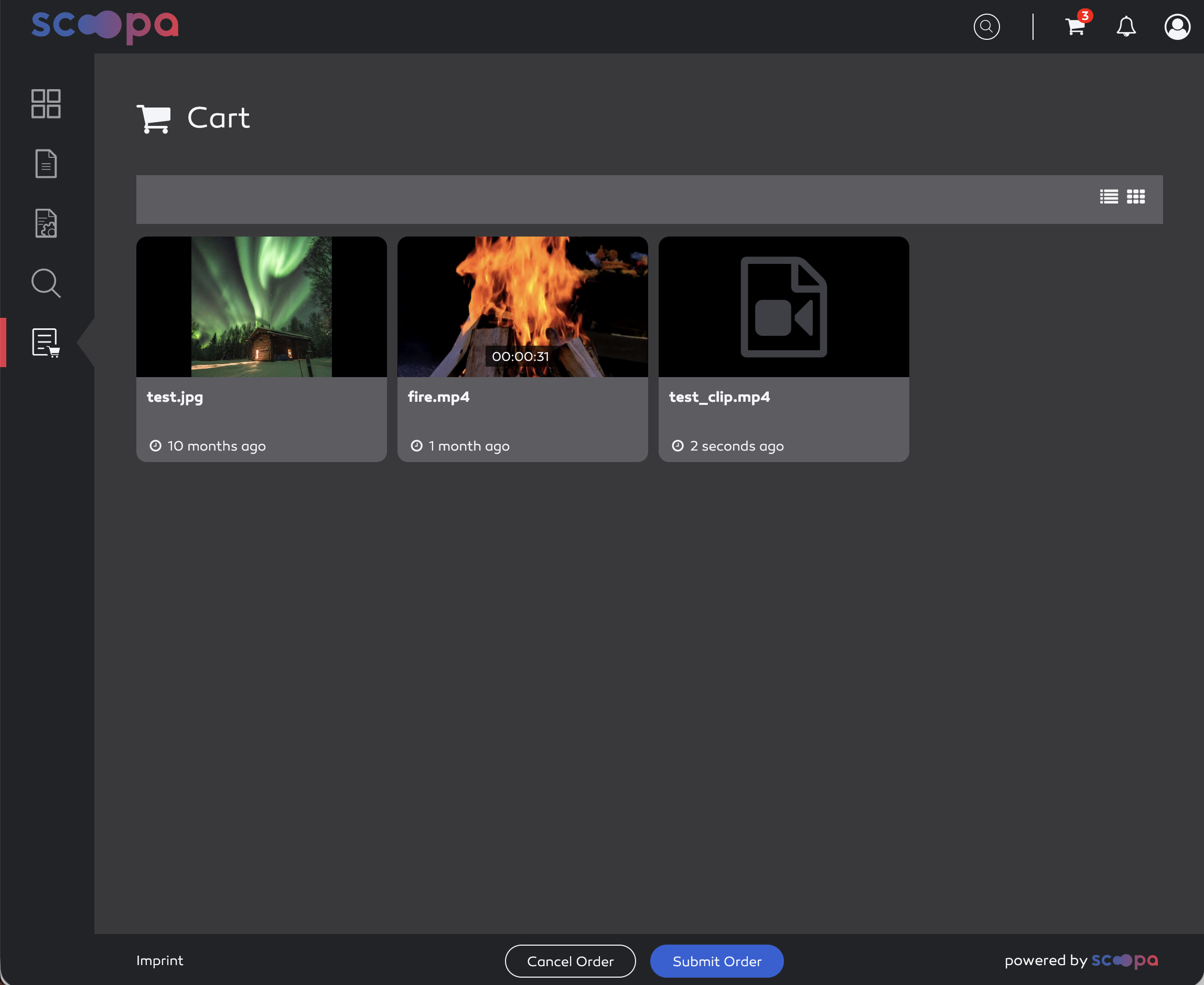
show cart
The following options are available here:
removing an asset: When you hover over an asset (Grid view), a trash can icon appears in the upper-right corner. Clicking it removes the asset from the order.
cancel order: cancels the order and removes all assets from the shopping cart.
submit order: the order is submitted. Upon submission, the system checks again to ensure that all assets are still available. If one or more assets are no longer available, a message about the missing assets appears and the shopping cart is updated. The user receives an order summary via email. The approver(s) are also notified via email that an order has been placed and can approve or reject it.
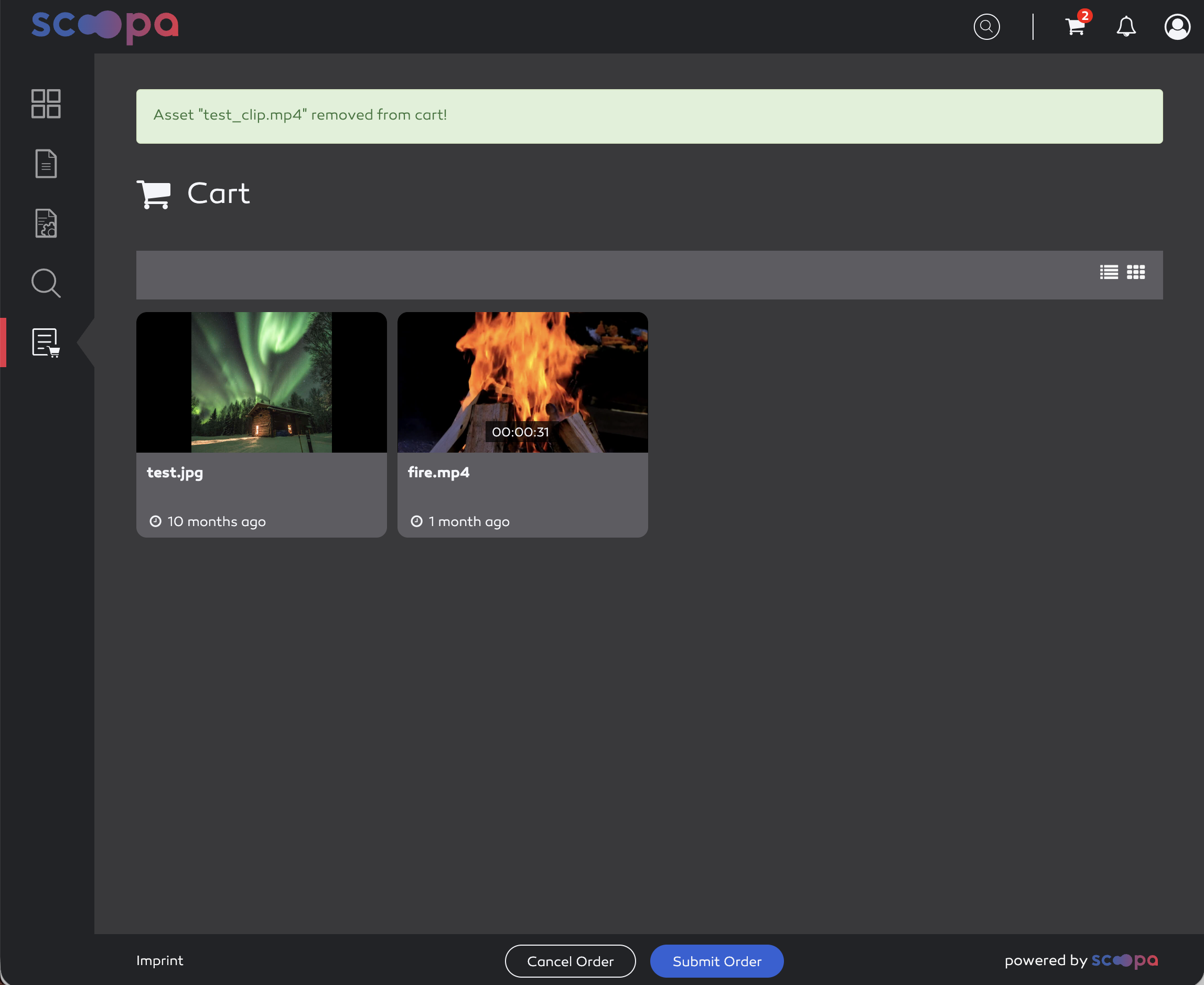
remove item from cart
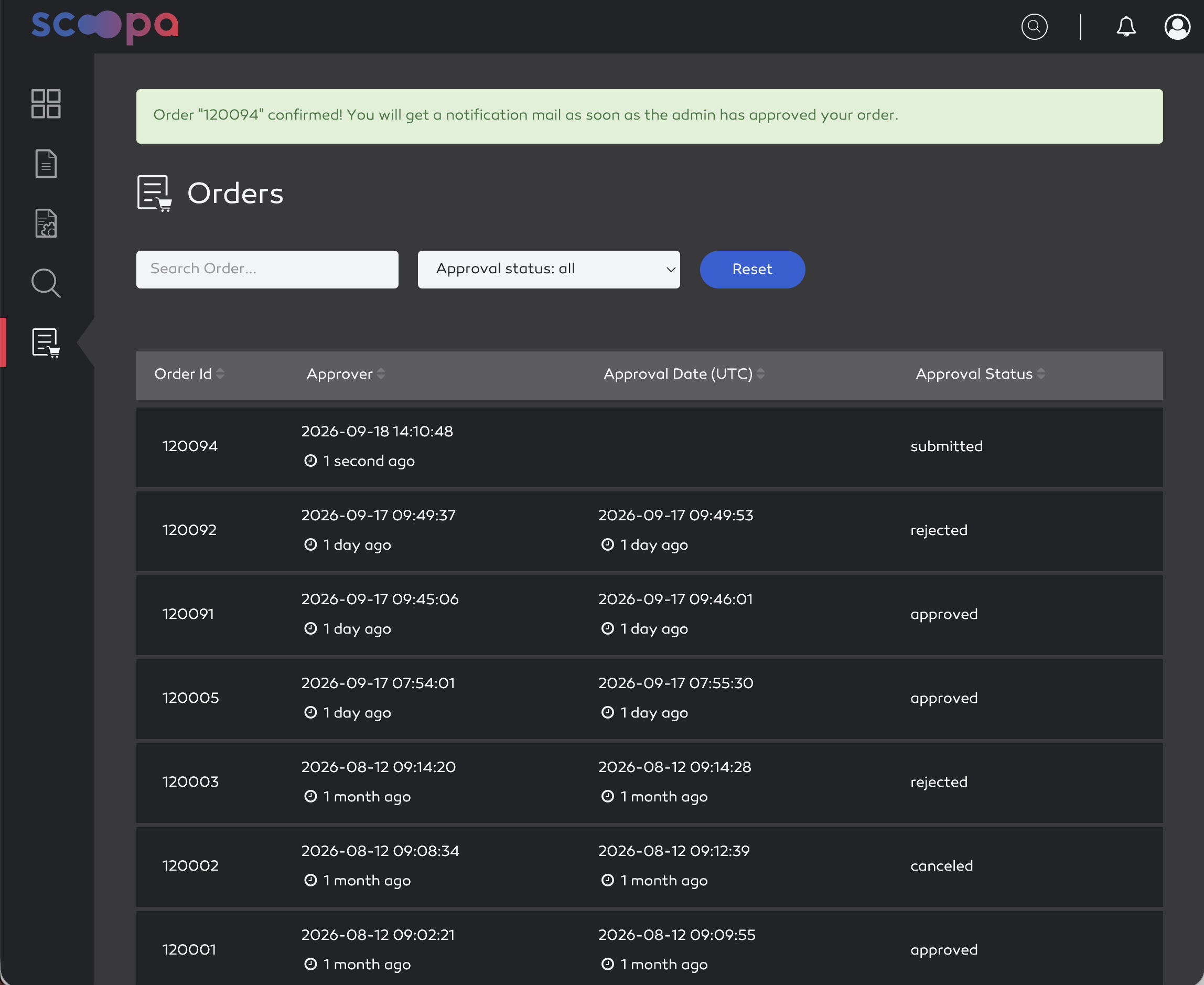
confirm order