-
Introduction
-
Core concepts
-
Digging deeper
-
Frequently asked questions
-
Legal
Add clip to cart
Clips can also be ordered provided you have read access and the “User can use Editor” permission is not enabled. Here's how to create clips.
Clicking “Save” adds the ordered clips to the cart and creates the encoding job, which initially receives the status “waiting for approval.” Encoding does not begin until the admin approves the request. As soon as the clip(s) are ready, an email is sent to the person who placed the order.
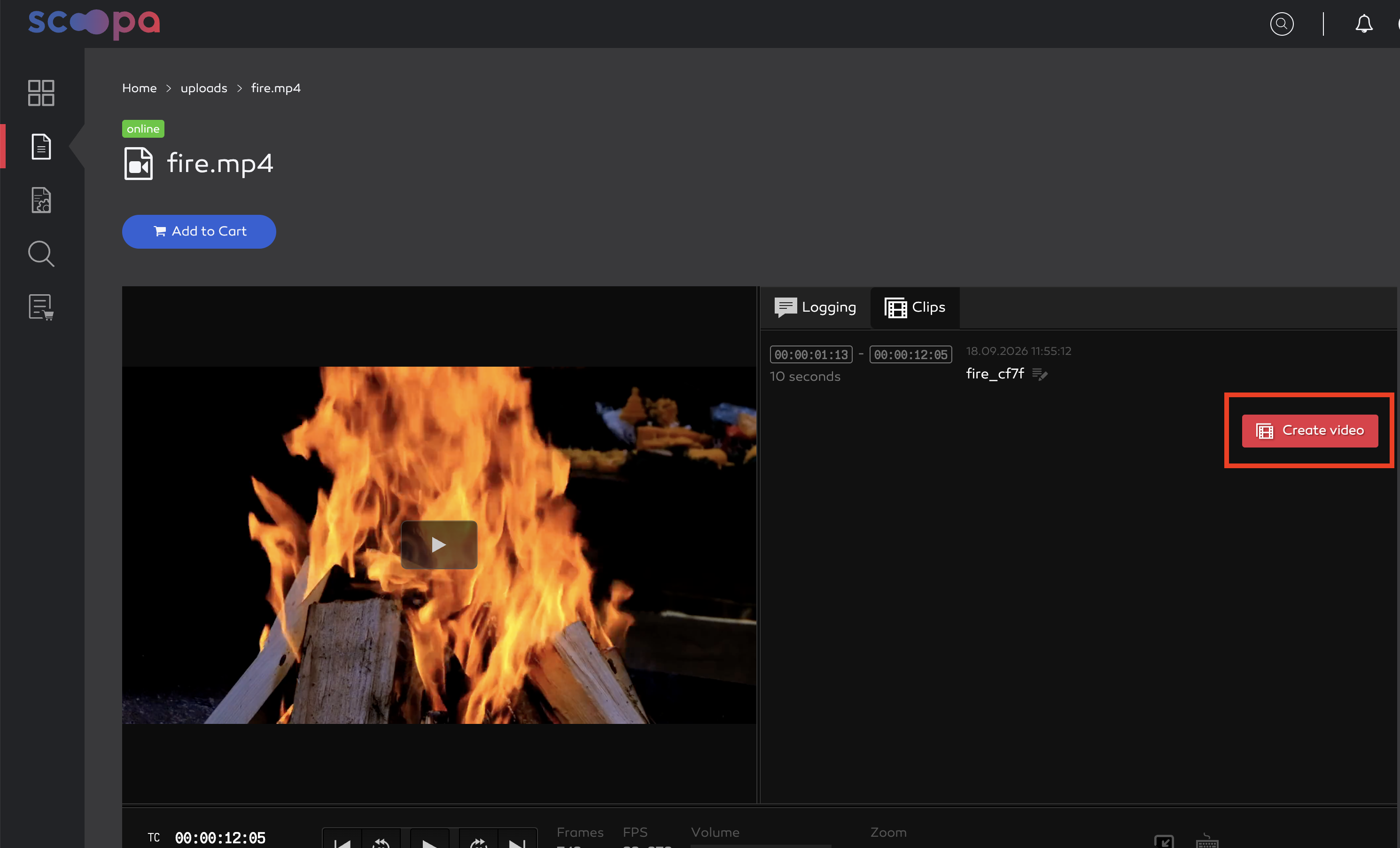
create clip
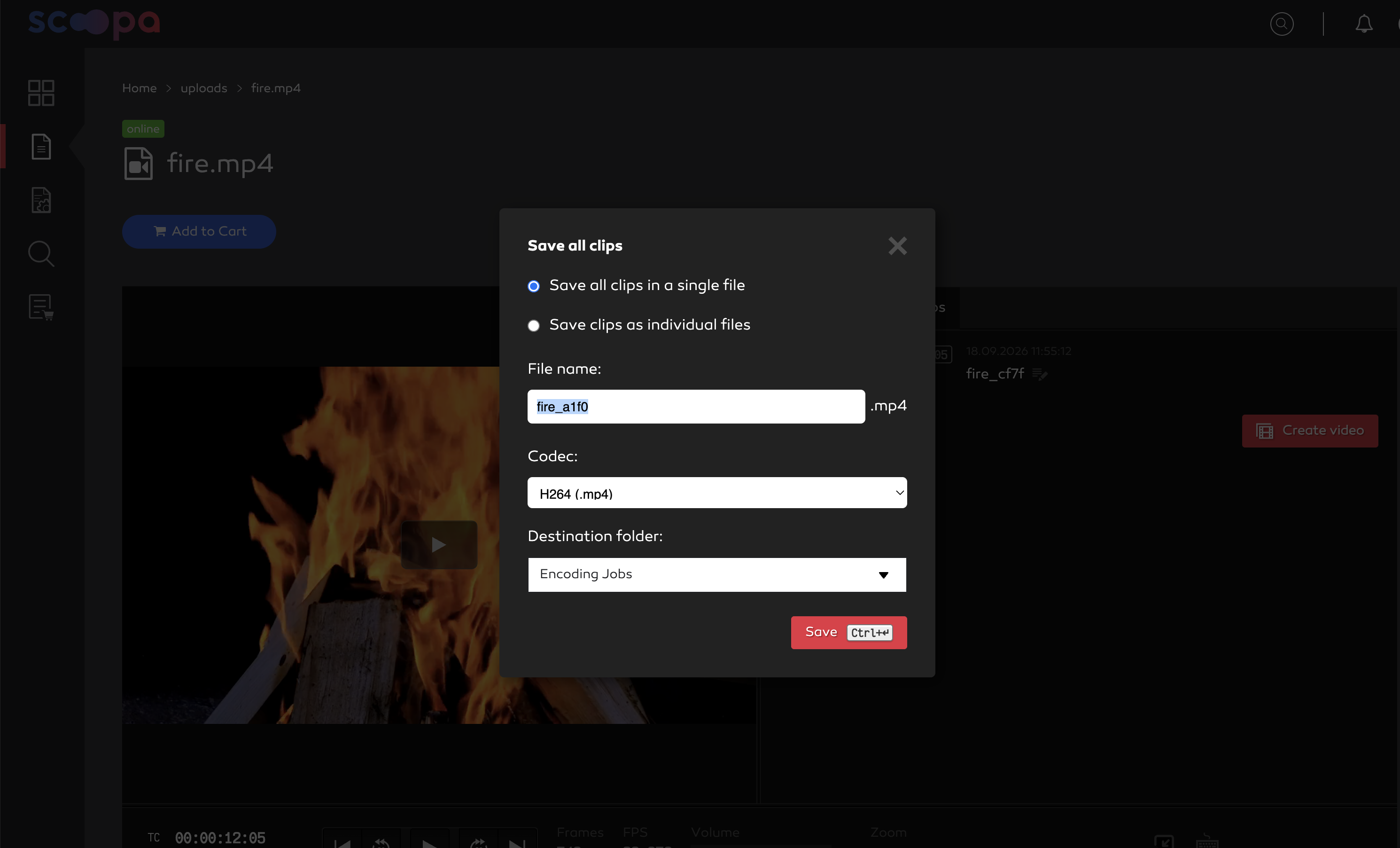
clip settings
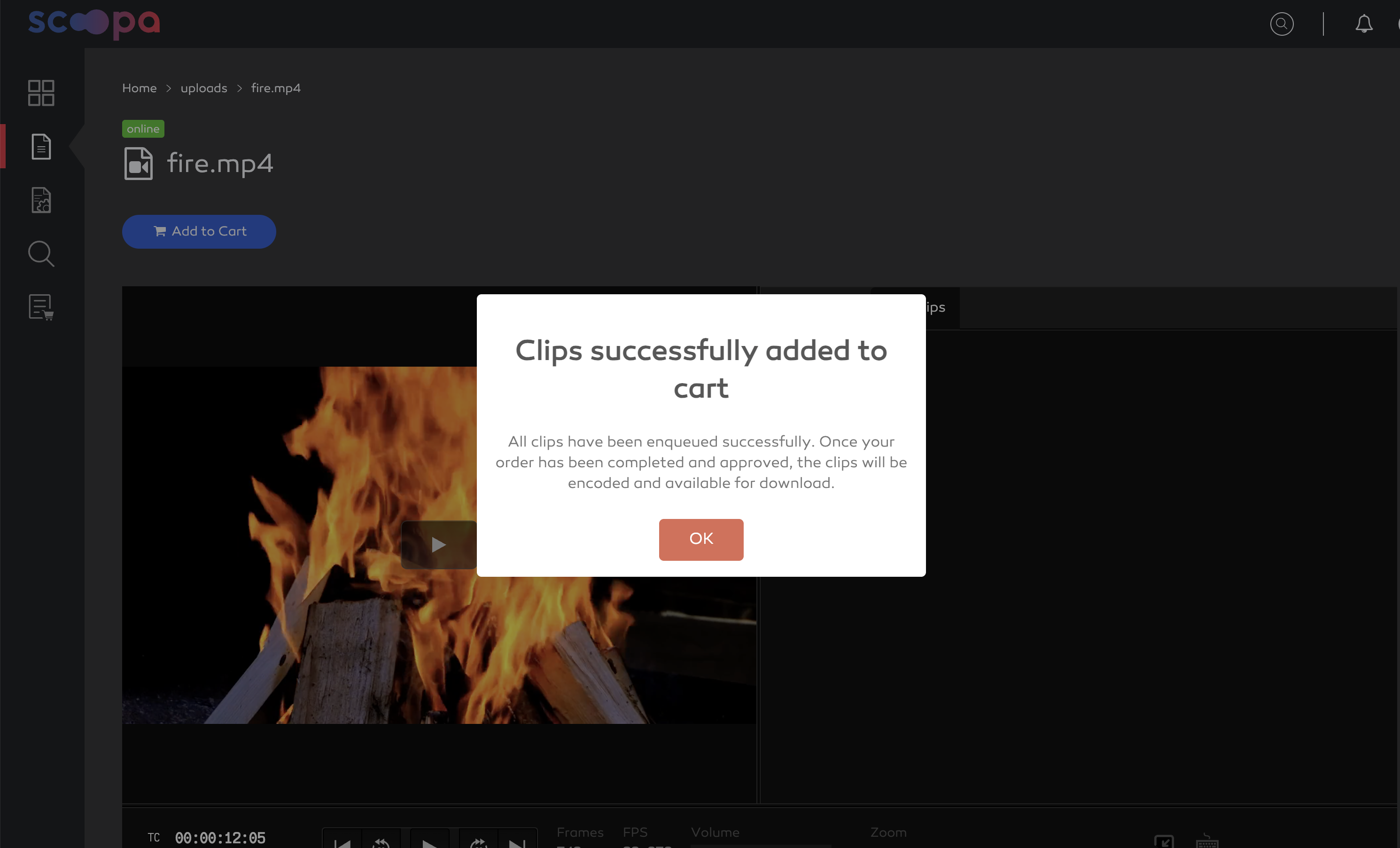
clips successfully added to cart