-
Introduction
-
Core concepts
-
Digging deeper
-
Frequently asked questions
-
Legal
Approve or reject order
When the approver clicks the link in the order request, they are taken directly to the order details page. There, they can review the order and either approve or reject it.
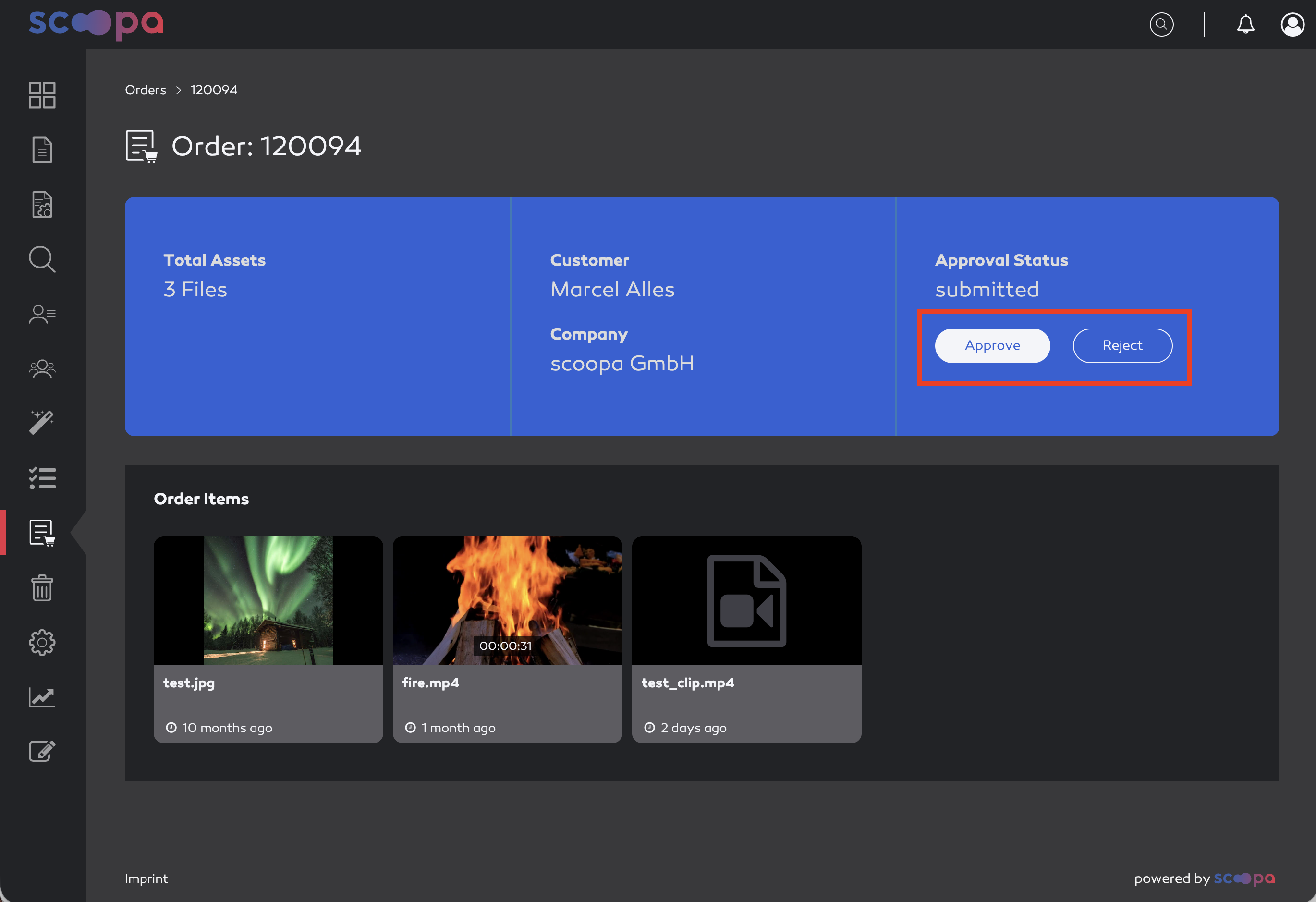
order details
Approve order
Clicking “Approve” approves the order. The system first checks whether all assets are still available. If one or more assets are no longer available, the admin receives a corresponding notification.
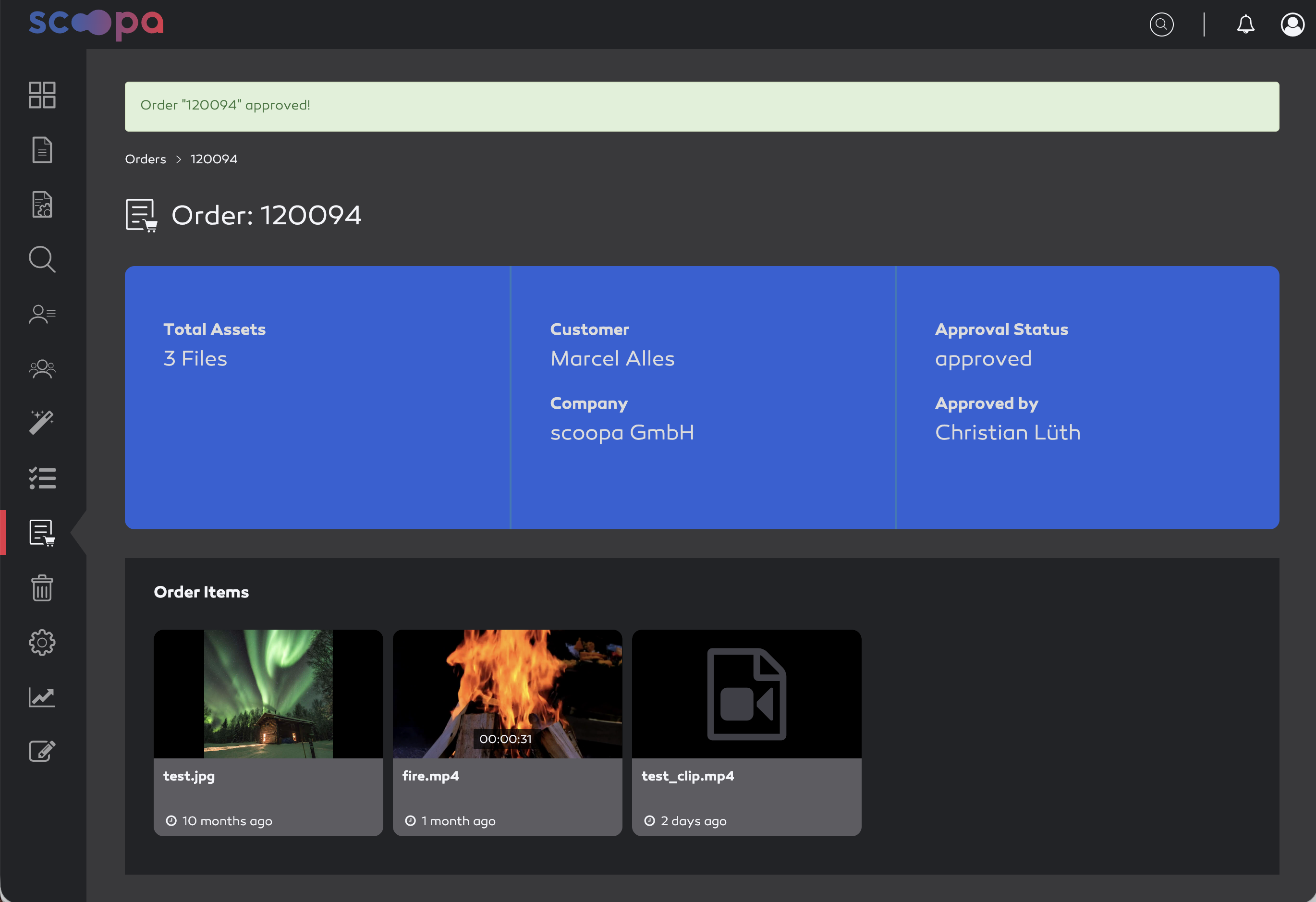
order approved
A subfolder with the order number is then created for the customer under the “Orders” system folder. This folder contains copies of all ordered assets to ensure that the customer can still download an asset even if the original has since been deleted or archived. Furthermore, after approval, all ordered clips are moved to this folder and encoded. Once encoding is successfully completed, the customer receives a corresponding email.
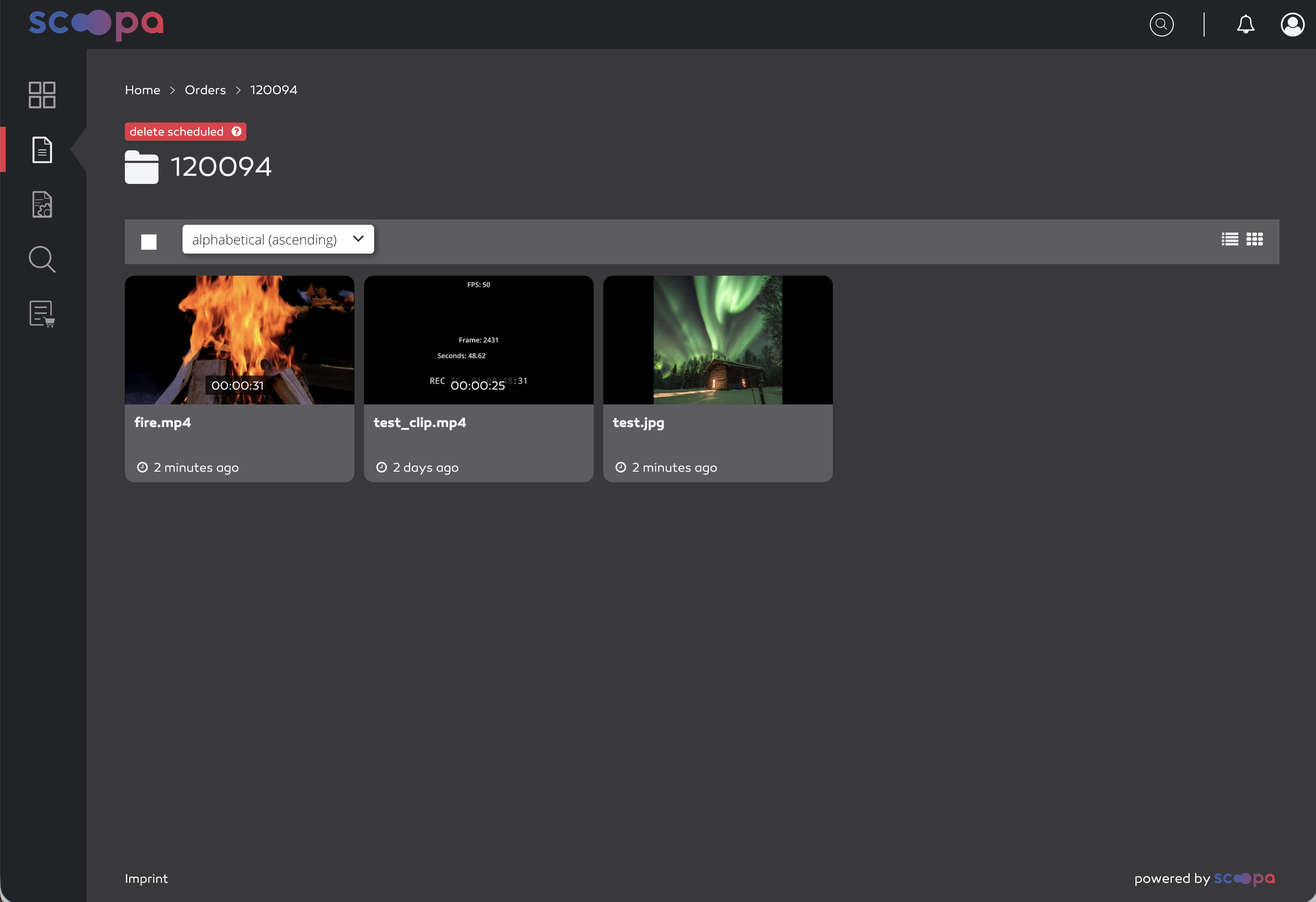
order download
The customer receives a confirmation email immediately after approval and can use the link in the email to navigate directly to this folder to download the files either individually or via multi-select.
All ordered assets can be downloaded for 7 days. After that, the order folder and the files it contains are automatically deleted.
Reject order
Clicking “Reject” will reject the order, and the customer will receive an email notifying them that their order has been rejected.
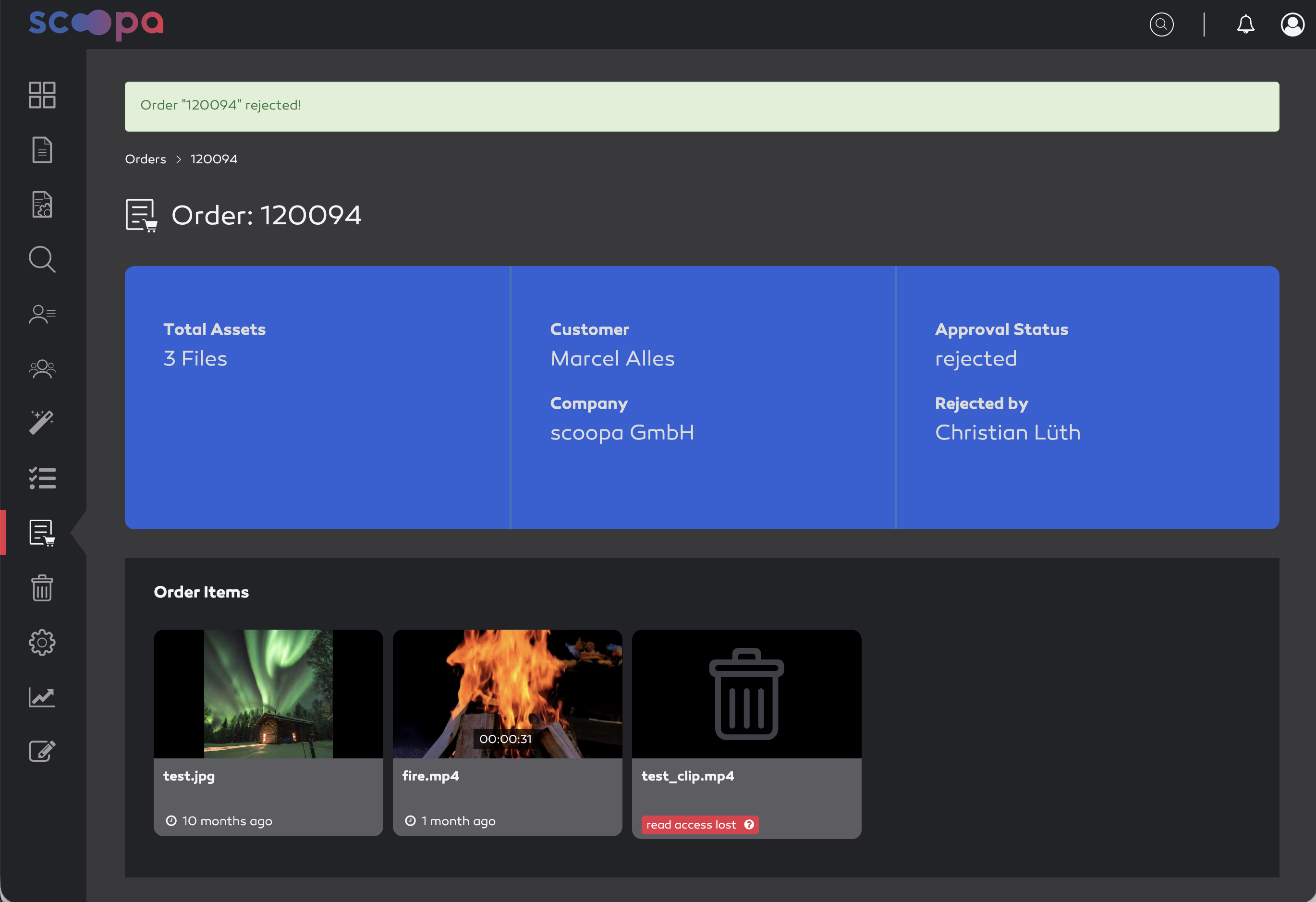
order rejected